

Description
AI Chatbot Using OpenAI with Python | Complete AI Project with Source Code
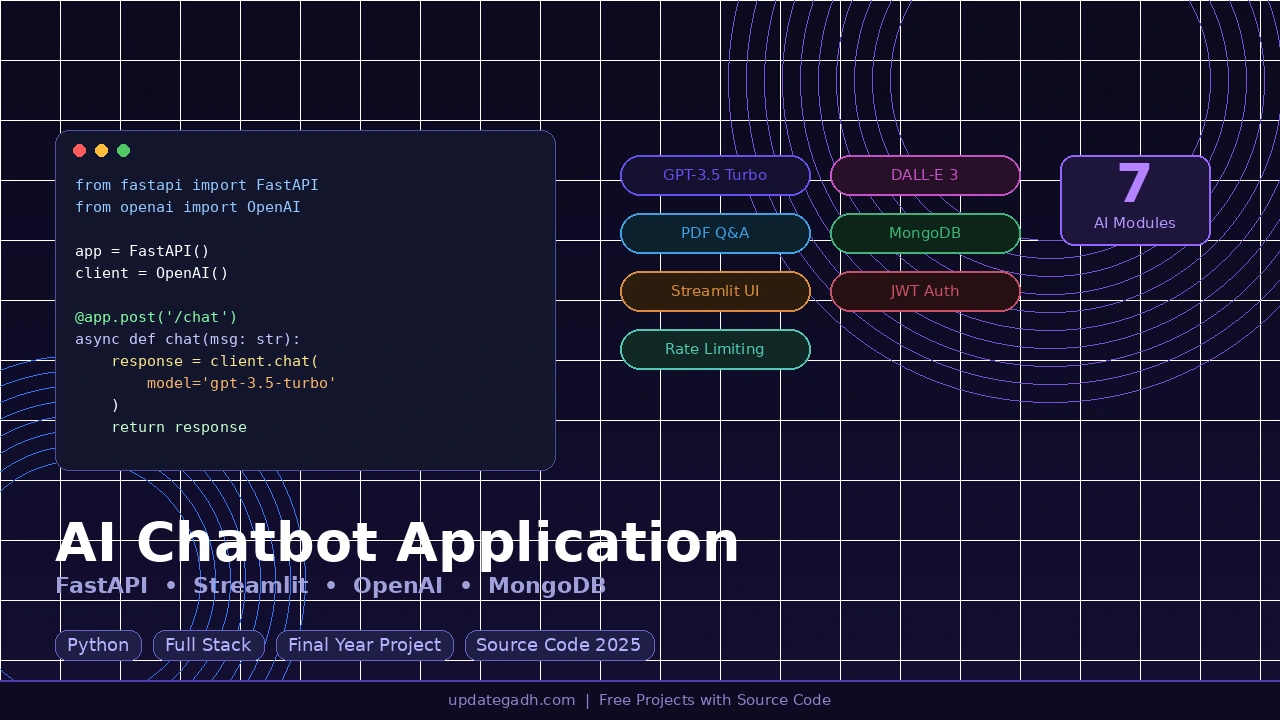
AI Chatbot Using OpenAI is a modern Artificial Intelligence project designed to demonstrate how conversational AI systems can be built using OpenAI APIs and Python. This project creates an intelligent chatbot capable of understanding user queries and generating human-like responses in real time.
The system integrates OpenAI’s powerful language model to process natural language input and generate meaningful answers. It can be used in multiple real-world applications such as customer support automation, website assistants, help desk bots, educational assistants, and smart virtual agents.
This project is ideal for final year students who want to submit an advanced AI-based application that is easy to demonstrate during viva and also useful in real industry scenarios. The chatbot simulates human conversation and can be extended further with features like memory, user authentication, API integrations, or website deployment.
The system architecture follows a simple but powerful design where user input is processed through backend logic, sent to the OpenAI API, and the generated response is displayed through a user interface. This makes the project easy to understand while still demonstrating practical AI implementation.
Students can use this project to learn how AI APIs work, how conversational systems are designed, and how modern AI applications are integrated with web technologies. AI chatbot projects are highly relevant for both academic learning and portfolio building because they showcase practical AI integration and real-world usability.
Key Features
- AI powered chatbot using OpenAI API
- Real time user interaction system
- Natural language query processing
- Dynamic response generation
- Easy to extend and customize
- Clean and simple project structure
- Suitable for academic and practical use
Technology Stack
- Frontend: HTML, CSS, JavaScript
- Backend: Python
- AI Integration: OpenAI API
- Database (Optional Extension): SQLite / MySQL
Project Modules
User Interface
Provides a simple chat interface where users can send questions and receive AI generated responses.
AI Processing Engine
Handles communication with OpenAI API and processes the user query.
Response Generator
Returns contextual responses based on user input using the AI model.
System Logic Layer
Manages request handling, API calls, and chatbot interaction flow.
Why This Project is Best for College
This project is highly suitable for BCA, MCA, B.Tech, and Computer Science students because it demonstrates the practical implementation of Artificial Intelligence in web applications. Unlike traditional static projects, this system interacts dynamically with users and generates intelligent responses.
It is easy to explain during project presentations and also shows modern skills such as AI API integration, conversational interfaces, and intelligent automation.
What You Will Get
- Complete Source Code
- Project Documentation / Report
- Project PPT Presentation
- Installation Guide
- Database File (if used)
- Project Explanation Support
How to Run the Project
- Download and extract the project files
- Install required Python dependencies
- Configure OpenAI API key in the project settings
- Run the Python application
- Open the chatbot interface in browser
- Start interacting with the AI chatbot
Complete Project : More Details
Watch Project Tutorials on YouTube: https://youtube.com/decodeit2
Reviews
There are no reviews yet.